Motion Design · Nov 5, 2026
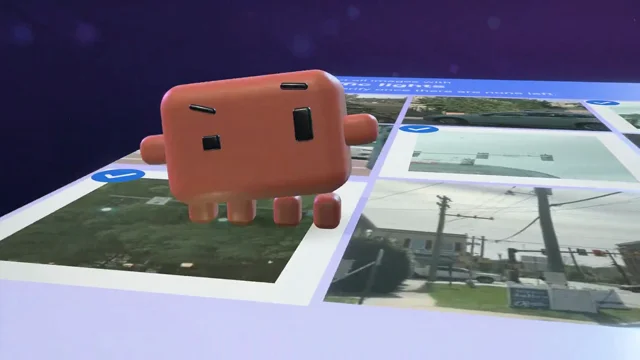
Pollo AIの新機能「Pollo Motion」を、2つのやり方で作り比べてみました🎬
Pollo AIの新機能「Pollo Motion」を、2つのやり方で作り比べてみました🎬 by 🗯️RelaxBeatsLab™︎. Watch the Motion Design video and visit the original X post.

🗯️RelaxBeatsLab™︎@RBLabQ
View on XPollo AIの新機能「Pollo Motion」を、2つのやり方で作り比べてみました🎬 同じ素材を使って、前半がブラウザ版、後半がMCP版です。 どちらが好みか、ぜひ見比べてみてください👀! ☑️ブラウザ版の特徴 指示と素材を渡すと、エージェントが自律的に一気に仕上げてくれる。 効果音の生成やタイミング合わせまで自動で、細かい音の付け方がかなり精密でした。 任せて早く形にしたいときに強い💪 ☑️MCP版の特徴 同じPollo Motionのスキルを、MCP経由でClaudeから動かす方法。 絵コンテを見ながら1カットずつ対話で詰められるので、 ロゴの設計図の見せ方や書体の組み合わせなど、細部までディレクションしたいときに向いている👩💻 📍制作の順番について 今回はMCP版(キャラ無し)を先に作り、その動画をブラウザ版の「参照動画」として渡しています。 ブラウザ版には音声をアップロードする欄がないため、参照動画に入れたジングルをそのまま使ってもらいました。 通常のブラウザ版は「参照動画+素材画像+プロンプト」を渡すだけで、手軽に生成できます。 MUSIC:SUNO @PolloAIJP
The prompt behind it.
The creator has not shared a public prompt. Visit the original post for more about this work.
Video and prompt by 🗯️RelaxBeatsLab™︎. Original post ↗
Is this your work? Add the badge
Paste this on your site or README to link people to this page.

<a href="https://createmotion.io/motions/x-2118293348951974092/"><img src="https://createmotion.io/featured-on-motif.svg" alt="Featured on motif" width="188" height="44"></a>