Motion Design · Oct 20, 2026
Everyone’s posting these crazy Claude motion videos. But nobody shows you the actual workflow.
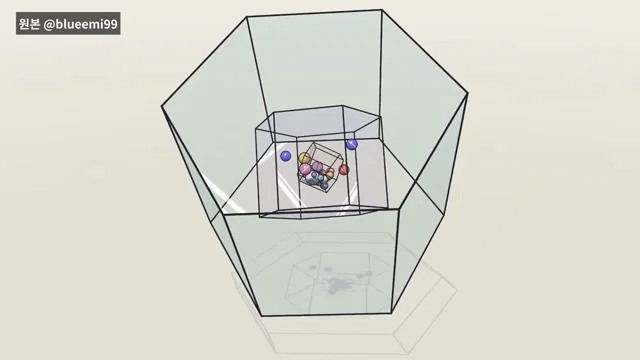
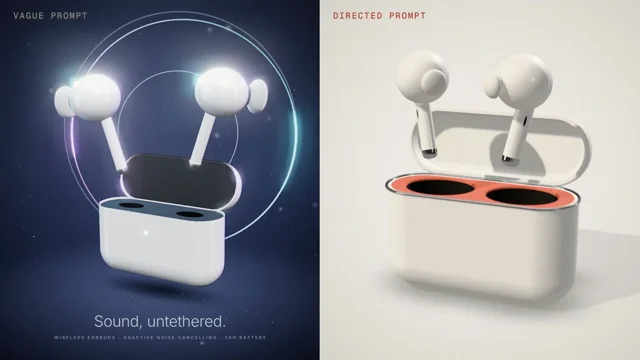
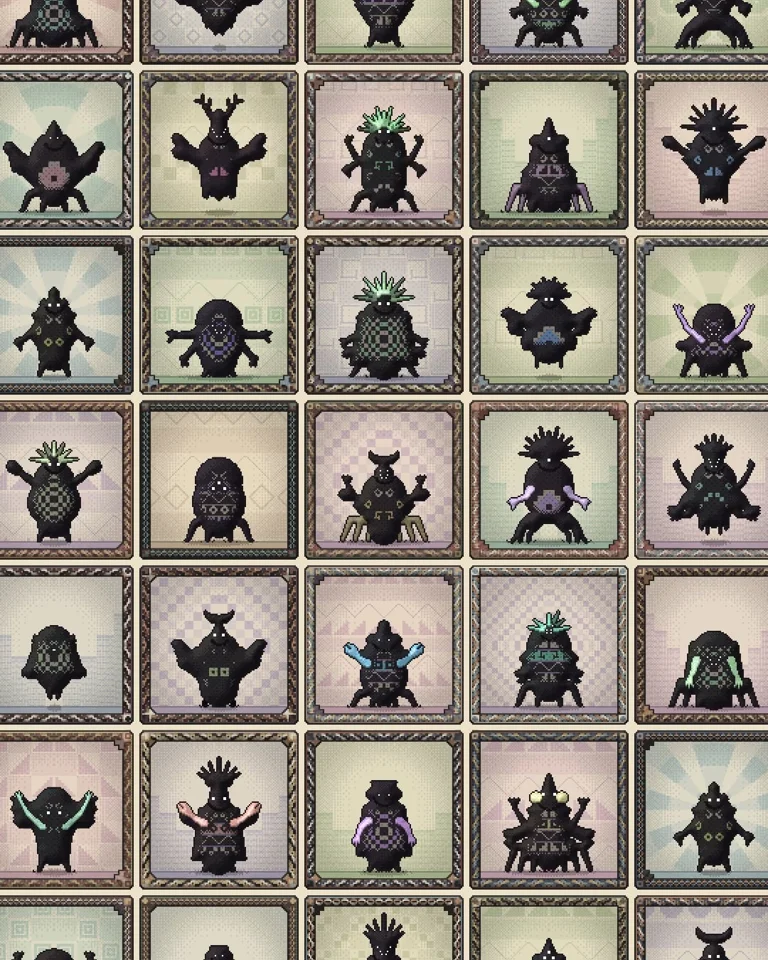
Everyone’s posting these crazy Claude motion videos.… by Janus Tiu, credited to Claude Opus 5.5. Watch the Motion Design video and visit the original X post.

Janus Tiu@JanusTiu
View on XEveryone’s posting these crazy Claude motion videos. But nobody shows you the actual workflow. Turns out, it’s not as simple as copying and pasting a prompt. There are a few catches. So I experimented with 7 different styles and documented everything. Here’s how: 1. Open Claude Code, select Opus 5.5, and set /effort to max for the best results. 2. Paste your prompt + reference. 3. Ask Claude to generate a storyboard first, before it starts building anything. 4. Review, iterate, and export your final animation as an MP4.
The prompt behind it.
The creator has not shared a public prompt. Visit the original post for more about this work.
Video and prompt by Janus Tiu. Original post ↗
Is this your work? Add the badge
Paste this on your site or README to link people to this page.

<a href="https://createmotion.io/motions/x-2112612167191003404/"><img src="https://createmotion.io/featured-on-motif.svg" alt="Featured on motif" width="188" height="44"></a>