Motion Design · Oct 2, 2026
テロップのデザインもアニメーションも、AIで作ってPremiereへ。
テロップのデザインもアニメーションも、AIで作ってPremiereへ。 by 河村 風真|Fuma Kawamura. Watch the Motion Design video and visit the original X post.

河村 風真|Fuma Kawamura@fumanpnp
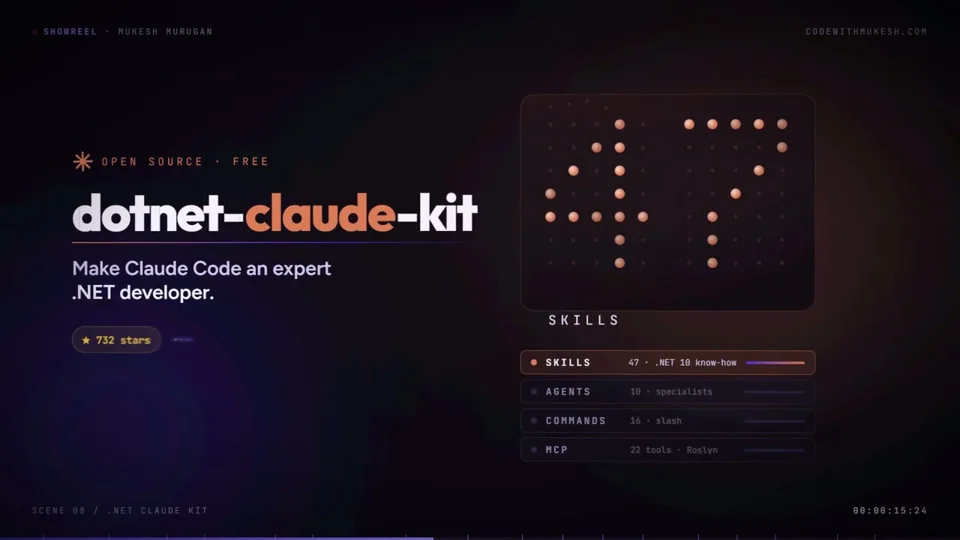
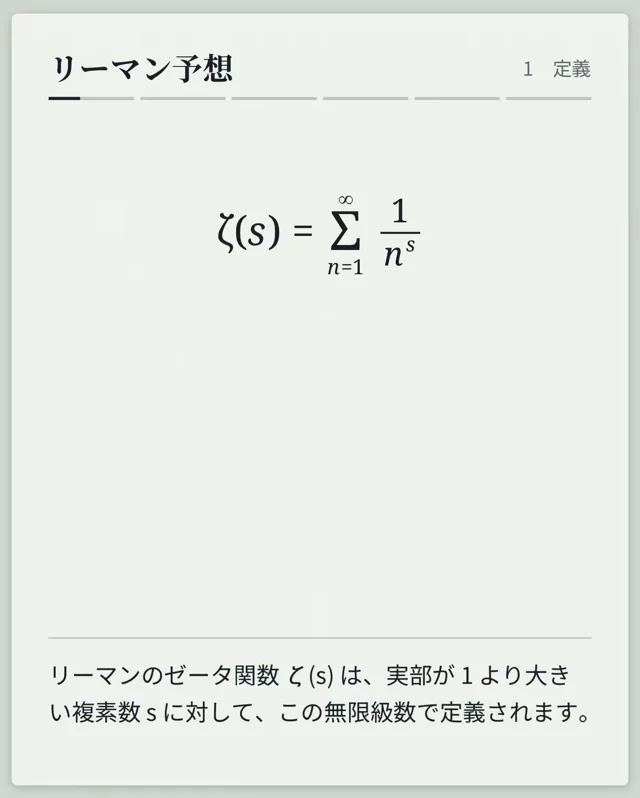
View on Xテロップのデザインもアニメーションも、AIで作ってPremiereへ。 動画編集で意外と時間がかかる、テロップの見た目や動きづくり。 今回はPremiereの「Effect & Design」を使い、既存テロップへデザインをワンクリックで適用する方法を実演しています。 さらにCodexやClaude Codeにテロップデザイン・アニメーションの作成を指示し、できたデザインをプラグインへ取り込む流れも紹介。 AIが作ったものをそのまま使うのではなく、自分の動画に合うデザインを選んで仕上げる参考になります。 ■この動画で学べること ・Premiereの「Effect & Design」でテロップデザインを適用する方法 ・バラエティ、ニュース、シネマなどのデザインカテゴリの使い分け ・複数のテロップへデザインをまとめて反映する手順 ・登場、退場、強調などのアニメーションを適用する流れ ・RGB分割を使った色ずれアニメーションの設定例 ・元のクリップを残しながら別デザインを試す設定 ・CodexやClaude Codeにデザイン・アニメーションを作らせる進め方 ・生成したデザインをPremiereのプラグインへ取り込む方法 ■タイムスタンプ 00:00 デザインとアニメーションをAIで作る 02:54 Effect & Designの機能を紹介 03:35 テロップデザインのカテゴリ 04:29 デザインをワンクリックで適用 05:47 AIでテロップデザインを作成 07:35 アニメーションをテロップに適用 09:56 RGB分割の色ずれを実演 15:40 CodexとClaude Codeで制作を進める 20:08 デザイン生成に使うモデルを選ぶ 23:01 生成されたデザインを確認 24:13 デザインをプラグインへ取り込む 26:08 AIと人の役割を振り返る ▼ 動画はコチラから
The prompt behind it.
The creator has not shared a public prompt. Visit the original post for more about this work.
Video and prompt by 河村 風真|Fuma Kawamura. Original post ↗
Is this your work? Add the badge
Paste this on your site or README to link people to this page.

<a href="https://createmotion.io/motions/x-2105960998934913386/"><img src="https://createmotion.io/featured-on-motif.svg" alt="Featured on motif" width="188" height="44"></a>