3D & Generative · Aug 8, 2026
Claude Design just became the easiest way to make 3D image and video renderings. Here's how to make interactive 3D images + videos in Claude Design (step by step, with the exact prompts)
Claude Design just became the easiest… by Beginning-Willow-801. Watch the 3D & Generative video, explore the shared prompt and visit the original Reddit post.
Beginning-Willow-801u/Beginning-Willow-801
View on Reddit**TLDR:** Claude Design (Anthropic's visual tool at claude design, available on Pro/Max/Team/Enterprise) can generate real, interactive 3D visuals, not just flat images that look 3D. It builds them with code (Three.js, WebGL, shaders), which means you can rotate them, animate them, embed them on websites, screenshot them for static assets, or export them into decks. Below: the exact step-by-step process, my best prompts, 3 examples you can copy, pro tips most people miss, and every way to reuse the output. Most people think Claude Design is just for slides and landing pages. It's not. Because it generates designs as actual code instead of pixels, it can build genuine 3D scenes: rotating product shots, 3D data visualizations, animated hero sections, glassy abstract art, the works. Here's everything I've learned. **Step-by-Step: Your First 3D Image** **Step 1: Plan in a regular chat first (this saves credits).** Before opening Design, open a normal Claude chat and describe what you…
The prompt behind it.
Original prompt
Create an interactive 3D scene of a matte black cosmetic serum bottle with a gold cap on a soft gradient background. Studio lighting with a key light upper left and a subtle rim light. Slow auto-rotation. Floating shadow beneath. Minimal, luxurious, Apple-style presentation.
Video and prompt by Beginning-Willow-801. Original post ↗
Is this your work? Add the badge
Paste this on your site or README to link people to this page.

<a href="https://createmotion.io/motions/reddit-1vj7sf5/"><img src="https://createmotion.io/featured-on-motif.svg" alt="Featured on motif" width="188" height="44"></a>
Keep exploring.
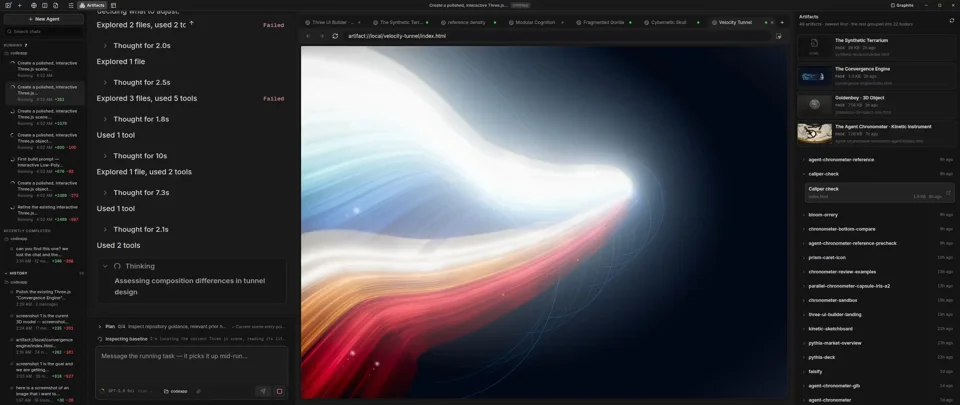 So many possibilites with LLM's and three.js -- Claude Code + CodexBy operastudio
 🎧 I built a real-time music visualizer from scratch — 30,000+ particles dancing in 5 spheres, all reactive to sound. I'm a psychotherapist, not a coder. Ask me anything.By Haryzek
 Holy f*ck, Opus 5.5 just made Blender look optionalBy Satoshi